The TM SIM Registration Link is the official online portal used by TM (Touch Mobile) subscribers to register their SIM cards in compliance with Philippine law. TM operates under Globe Telecom, and all TM SIM registrations are handled through Globe’s authorized system.
If you are searching for the correct TM SIM registration link in 2026, this guide explains the official website, how to use it safely, and the step-by-step process to complete registration without errors.
Why Using the Correct TM SIM Registration Link Is Important
SIM registration is mandatory under Republic Act 11934, also known as the SIM Registration Act.
Using the official TM SIM registration link ensures:
- Your personal data is protected
- OTP verification works properly
- Registration is legally valid
- Your TM SIM remains active
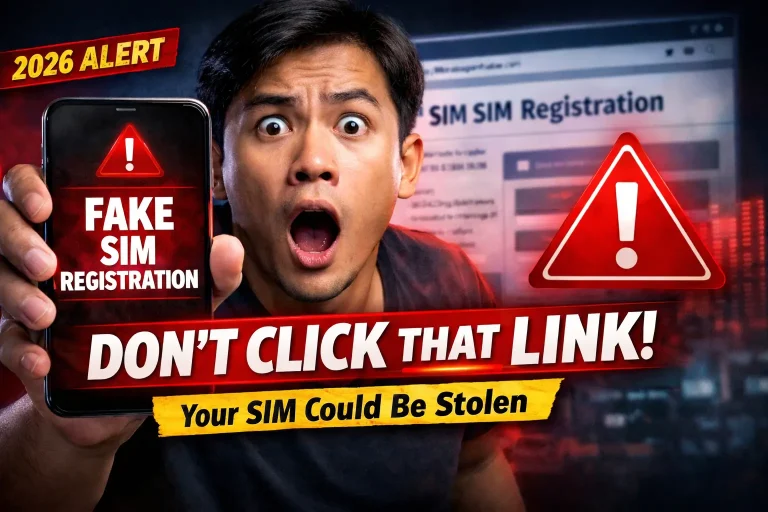
⚠️ Using fake or unofficial links may lead to failed registration or data theft.
✅ Official TM SIM Registration Link (2026)
TM SIM cards are registered through Globe’s official SIM registration portal:
👉 https://new.globe.com.ph/simreg
This portal supports:
- TM prepaid SIMs
- New and existing users
- Mobile & desktop registration
How the TM SIM Registration Link Works
Once you open the TM SIM registration link, the portal guides you through:
- Mobile number submission
- OTP verification
- ID and selfie upload
- Personal detail confirmation
- Final submission
⏱️ The full process usually takes 5–10 minutes if documents are ready.
Step-by-Step Guide Using TM SIM Registration Link

4
Step 1: Open the TM SIM Registration Link
- Visit new.globe.com.ph/simreg
- Choose TM / Touch Mobile
Step 2: Enter TM Mobile Number
- Input your TM number
- Accept terms & conditions
- Click Register
Step 3: OTP Verification
- Receive OTP via SMS
- Enter OTP correctly
- Tap Verify
Step 4: Upload Valid ID
- Upload one government-issued ID
- Ensure name and ID number are readable
Step 5: Selfie Verification
- Take a live selfie
- No filters, caps, or sunglasses
Step 6: Submit Registration
- Enter address details
- Review information
- Submit the form
- Save the reference number
Information Required on TM SIM Registration Link
Prepare these details before starting:
Personal Information
- Full legal name
- Date of birth
- Nationality
- Gender
- Complete address
SIM & ID Details
- TM mobile number
- SIM serial number
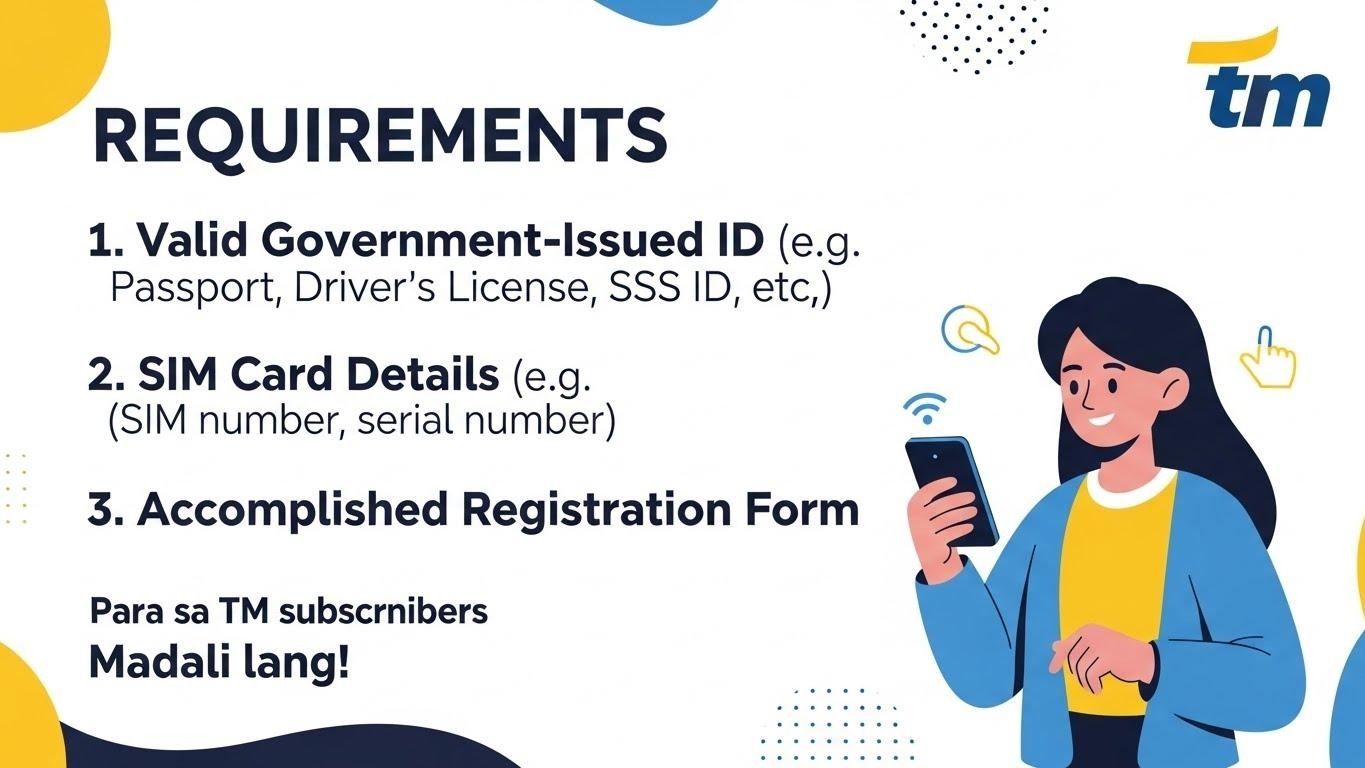
- Valid government-issued ID
- ID number
Accepted IDs for TM SIM Registration
The TM SIM registration link accepts:
- Philippine National ID
- Driver’s License
- Passport
- UMID
- SSS ID
- PhilHealth ID
- Voter’s ID
- PRC ID
- NBI Clearance
Upload only one clear, original ID.
TM SIM Registration Link for Foreigners & Tourists
Foreign nationals must also use the same TM SIM registration link.
Tourist Requirements
- Valid passport
- Proof of Philippine address (hotel booking)
- Return ticket
📌 Tourist TM SIM cards are valid for 30 days from activation.
Long-Stay Foreigners
- Passport
- ACR I-Card
- Proof of local address
- Work or study documents (if applicable)
How to Check TM SIM Registration Status
You can verify registration status by:
- Revisiting new.globe.com.ph/simreg
- Entering your TM number
- Completing OTP verification
- Viewing registration confirmation
Or by using the GlobeOne App.
Common Problems When Using TM SIM Registration Link
❌ OTP Not Received
✔ Check signal
✔ Wait 1–2 minutes
✔ Request resend
❌ Registration Failed
✔ Ensure ID details match form
✔ Upload clear ID & selfie
❌ SIM Not Working After Registration
✔ Restart phone
✔ Contact TM / Globe support
What Happens If You Don’t Register Using the Link?
If TM SIM registration is not completed:
- SIM will be deactivated
- Calls, SMS, and data will stop
- Possible legal consequences under RA 11934
Benefits of Registering via Official TM SIM Link
- Continued TM mobile services
- Protection against scams
- Access to promos and data offers
- Full legal compliance
Final Thoughts
The TM SIM Registration Link (new.globe.com.ph/simreg) is the only safe and official way to register your TM SIM card in the Philippines. Always double-check the website, upload clear documents, and keep your reference number secure.
Register early to avoid service interruption in 2026.