Official Smart Communications SIM Registration Link Explained
The Smart SIM Registration Link is the official online website provided by Smart Communications for registering prepaid, postpaid, and broadband SIM cards in the Philippines. All Smart users are required to complete SIM registration through this link to continue using mobile services legally and without interruption.
If you’re searching for the correct Smart SIM registration link in 2026, this guide will help you identify the official website, understand how it works, and complete registration safely.
Why You Must Use the Official Smart SIM Registration Link
SIM registration is mandatory under Republic Act 11934, also known as the SIM Registration Act.
Using the official Smart SIM registration link ensures:
- Protection of personal data
- Secure OTP verification
- Legal compliance with Philippine law
- Avoidance of fake or phishing websites
⚠️ Registering through unofficial links may result in data theft or failed registration.
✅ Official Smart SIM Registration Link (2026)
The only official Smart SIM registration website is:
This link is managed directly by Smart Communications and works on mobile phones, tablets, and desktop devices.
How the Smart SIM Registration Link Works
When you open the Smart SIM registration link, you’ll be guided through a step-by-step online form where you must:
- Enter your Smart mobile number
- Verify via OTP
- Upload a valid ID
- Submit personal details
- Confirm registration
The entire process usually takes 5–10 minutes if all documents are ready.
Step-by-Step Guide Using Smart SIM Registration Link
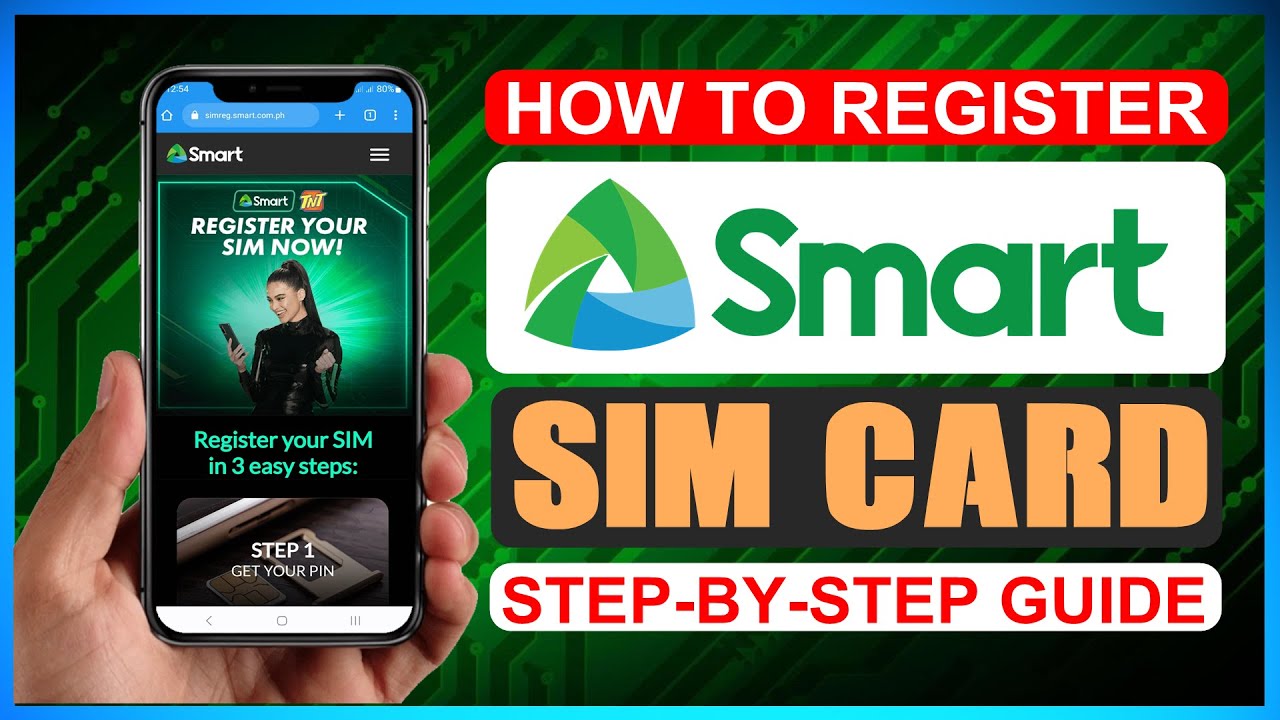
Step 1: Open the Official Link
- Go to simreg.smart.com.ph
- Scroll down to the registration form
Step 2: Enter Your Mobile Number
- Input your 10-digit Smart number
- Accept the terms and conditions
- Click Register Now
Step 3: OTP Verification
- Click Send OTP
- Enter the OTP received via SMS
- Tap Verify OTP
- Wait 1–2 minutes before resending OTP if needed
Step 4: Upload Valid ID
- Upload a clear photo of your government-issued ID
- Ensure all details are readable
Step 5: Selfie Verification
- Take a recent, clear selfie
- No filters or face coverings
Step 6: Submit Registration
- Enter address and optional email
- Review all details
- Confirm declaration
- Submit form
Step 7: Save Control Number
- A confirmation popup appears
- Save the control number for future reference
Information Required on Smart SIM Registration Link
Prepare the following before opening the link:
Personal Details
- Full legal name
- Date of birth
- Nationality
- Gender
- Complete address
SIM & ID Information
- Smart mobile number
- SIM serial number
- Valid government-issued ID
- ID number
Accepted IDs for Smart SIM Registration
Smart accepts the following IDs on the registration link:
- Philippine National ID
- Driver’s License
- Passport
- UMID Card
- SSS ID
- PhilHealth ID
- Voter’s ID
- PRC ID
- NBI Clearance
Smart SIM Registration Link for Foreigners & Tourists

Foreign nationals and tourists must also use the same Smart SIM registration link.
Tourist Requirements
- Valid passport
- Hotel booking or Philippine address
- Return ticket
📌 Tourist SIM cards are valid for 30 days from activation.
Long-Stay Foreigners
- Passport
- ACR I-Card
- Proof of address
- Work or study documents (if applicable)
How to Verify SIM Registration After Using the Link
Method 1: GigaLife App

- Install Smart GigaLife App
- Log in with your registered number
- Check SIM registration status
Method 2: Online Verification
- Visit simreg.smart.com.ph
- Click Verify Registration
- Enter mobile number and OTP
- View confirmation message
Common Problems When Using Smart SIM Registration Link
Avoid these frequent issues:
- Incorrect mobile number entry
- Name mismatch with ID
- Blurry ID or selfie upload
- OTP not received due to weak signal
- Leaving required fields blank
Correct details help ensure fast approval.
What Happens If You Don’t Register Using the Link?
If you fail to register your SIM:
- Your Smart SIM will be deactivated
- Calls, SMS, and mobile data will stop
- You may face penalties under Philippine law
Benefits of Registering via Official Smart SIM Link
- Uninterrupted Smart services
- Protection from scams
- Access to Smart promos and rewards
- Legal compliance
Final Thoughts
The Smart SIM Registration Link (simreg.smart.com.ph) is the only safe and official way to register your Smart SIM card in the Philippines. Always double-check the website URL, prepare your documents in advance, and keep your control number secure.
Completing registration early ensures uninterrupted service and peace of mind in 2026.