Have you ever turned on your phone, expecting to make an important call only to find you have no signal? That’s exactly what happened to my cousin Ana after flying home from Dubai. Her Smart SIM had been blocked. Why? It wasn’t registered.
If you’re like Ana, or you’re unsure about your SIM registration status, don’t worry. This guide will walk you through how to check if your Smart SIM is registered in the Philippines in the simplest way possible without the tech jargon.
Let’s break it down step by step.
📌 Why SIM Registration is Required
In 2023, the Philippine government passed the SIM Registration Act (Republic Act No. 11934). It requires all mobile phone users—whether on Smart, TNT, or other networks—to register their SIM cards. The goal? To fight scams, fraud, and spam messages.
Smart Communications, one of the largest networks in the country, follows strict guidelines for this process. If your SIM isn’t registered, it could be deactivated. That means no texts, no calls, no mobile data, and no access to services like GigaLife App.
So yes, it’s a big deal.
🛠️ How to Check If Your Smart SIM Is Registered

Now let’s get into the practical part. You’ve got three easy ways to check your SIM registration status.
✅ Option 1: Check via Smart’s Official Portal
- Visit the official site: https://simreg.smart.com.ph
- Enter your Smart mobile number
- Wait for a One-Time Password (OTP) sent to your phone
- Enter the OTP
- The screen will show your SIM registration status
If you get a message saying your number is unregistered, don’t panic. You can register it right away.
✅ Option 2: Use the GigaLife App
The GigaLife App isn’t just for loading data—it also shows your SIM status.
Here’s how to check:
- Download the GigaLife App on Google Play or the App Store
- Log in using your Smart SIM number
- Tap on your profile or account settings
- You’ll see your registration status under “SIM Registration”
The app also lets you update your details if needed. Just make sure you have your ID ready.
✅ Option 3: Dial *123# on Your Phone
Don’t have internet access? No problem.
- Dial *123# on your mobile phone
- Select the option for SIM registration status
- Follow the steps on your screen
This method is quick and doesn’t require data or apps.
What You Need to Have Ready
To register your SIM (or check/update your details), you’ll need the following:
- A valid ID (e.g., National ID, Driver’s License, Voter’s ID, Passport)
- Your mobile number
- Your full name
- Your birthday
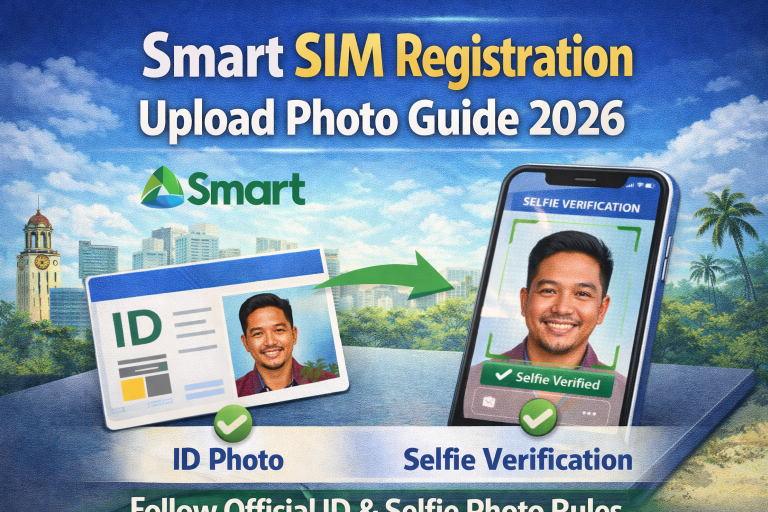
- A selfie photo for identity verification
- Your home address
For foreign nationals or OFWs, Smart may ask for your visa or other immigration documents.
✅ TIP: Use your real details. Fake info can lead to SIM deactivation or even legal trouble under the SIM Registration Act.
⚠️ What If You Don’t Register?
If you haven’t registered your Smart SIM card, here’s what can happen:
- You’ll lose your mobile number
- You won’t receive text messages or OTP codes from banks
- You can’t use mobile data or load promos
- You won’t get emergency alerts from the Philippine government
Smart SIM registration isn’t just about following a rule—it’s about keeping your phone number safe and active.
FAQs About Smart SIM Registration
💡 Final Thoughts: Don’t Wait — Check Today
Remember Ana? She followed the steps, checked her SIM status, and reactivated her number in less than 10 minutes. Whether you’re a student using free data, a business owner, or just someone who wants to stay connected—make sure your smart sim registration is complete.
You don’t want to lose access when you need it most.
So, grab your phone. Check your status. Stay protected.