Smart Communications SIM Registration Form Explained
The Smart SIM Registration Form is the official online process required for all Smart prepaid, postpaid, and broadband users in the Philippines to comply with the SIM Registration Law. Under Philippine regulations, every Smart SIM card must be registered to remain active and legally usable.
Smart Communications provides a secure online registration form that allows users to submit their personal information, verify identity, and complete SIM registration without visiting a physical store.
This guide explains how the Smart SIM Registration Form works, what information is required, how to submit it correctly, and how to avoid common mistakes in 2026.
Why Smart SIM Registration Is Mandatory in 2026
SIM registration is enforced under Republic Act 11934, also known as the SIM Registration Act.
The law aims to:
- Prevent text scams and mobile fraud
- Protect user identity and privacy
- Ensure accountability for mobile number usage
Failure to complete the Smart SIM Registration Form may result in SIM deactivation, meaning no calls, SMS, or mobile data access.
Official Smart SIM Registration Form Link
All Smart subscribers must register only through the official portal:
👉 simreg.smart.com.ph
⚠️ Avoid third-party or fake websites. Always confirm that the URL belongs to Smart Communications.
Information Required in the Smart SIM Registration Form
Before opening the form, prepare the required details to avoid errors or rejection.
Personal Information Required
The form asks for details exactly as shown on your valid ID:
- Full legal name
- Date of birth
- Nationality
- Gender
- Complete residential address
SIM & Identity Details
You will also need:
- Smart mobile number
- SIM serial number (printed on SIM card)
- Valid government-issued ID
- ID number or unique identification number
Accepted IDs for Smart SIM Registration
The Smart SIM Registration Form supports multiple valid IDs, including:
- Philippine National ID
- Driver’s License
- Passport
- UMID Card
- SSS ID
- PhilHealth ID
- Voter’s ID
- PRC ID
- NBI Clearance
Some IDs may be treated as secondary depending on verification results.
Step-by-Step Guide to Fill Smart SIM Registration Form (Online)
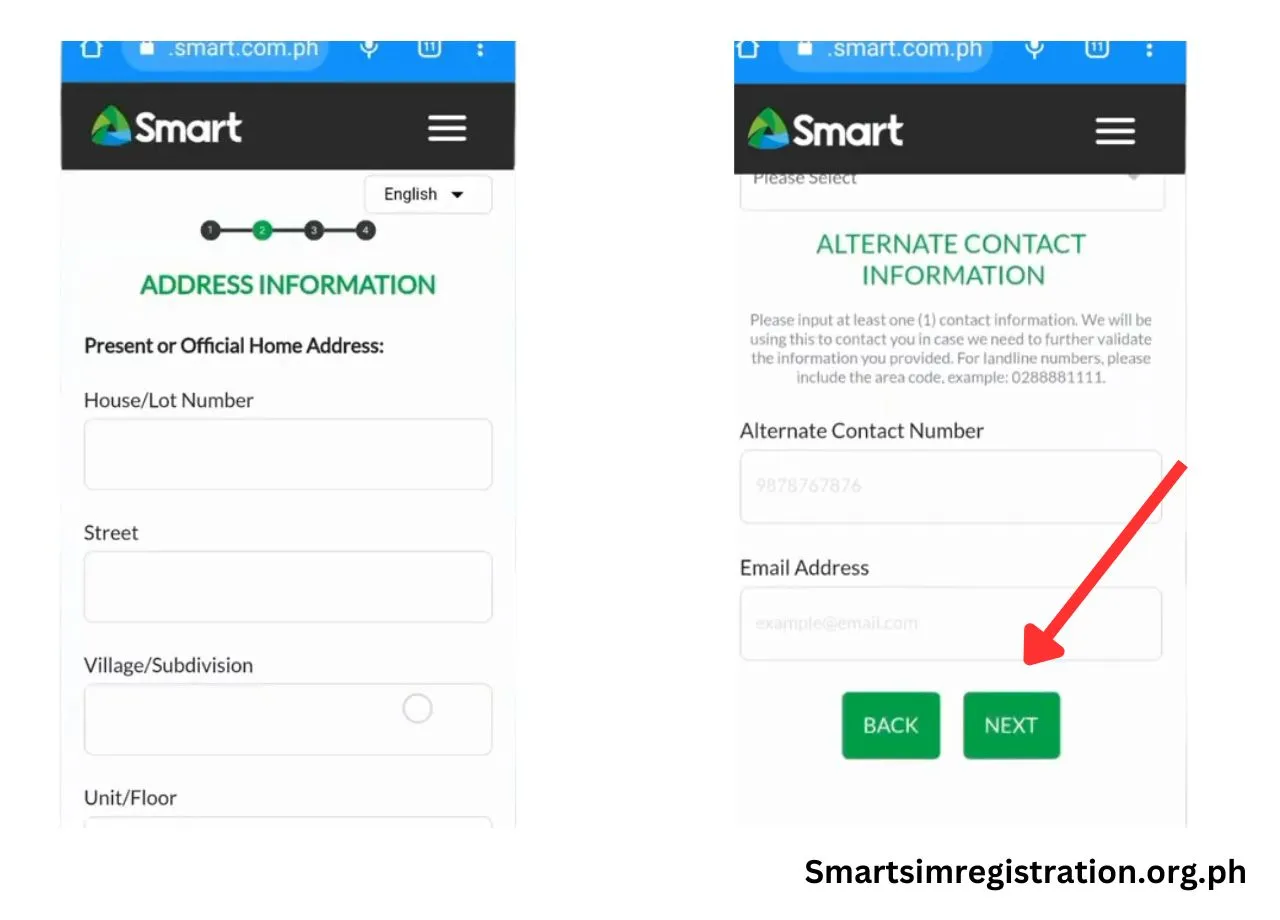

Follow these steps carefully to complete the Smart SIM Registration Form:
Step 1: Enter Mobile Number
- Visit simreg.smart.com.ph
- Enter your 10-digit Smart mobile number
- Accept terms and conditions
- Click Register Now
Step 2: OTP Verification
- Tap Send OTP
- Enter the One-Time Password sent via SMS
- Click Verify OTP
- Use Resend OTP if needed (wait 1–2 minutes)
Step 3: Upload Valid ID
- Take a clear photo of your ID
- Ensure name, number, and photo are readable
- Upload exactly one valid ID
Step 4: Selfie Verification
- Take a recent, clear selfie
- No filters, caps, or sunglasses
- Face must be clearly visible
Step 5: Fill Personal Details
- Enter ID number
- Confirm name and birthdate
- Select nationality and gender
Step 6: Address & Confirmation
- Enter complete current address
- Add email (optional but recommended)
- Review all details carefully
- Tick declaration checkbox
- Submit registration
Step 7: Save Control Number
- A confirmation popup appears
- Save or screenshot your control number
- This serves as proof of registration
How to Check Smart SIM Registration Status
Method 1: Using GigaLife App

- Install the Smart GigaLife App
- Log in using your registered number
- View SIM registration status on dashboard
Method 2: Online Verification
- Visit Smart SIM portal
- Click Verify Registration
- Enter your mobile number
- Complete OTP verification
- See confirmation message
Smart SIM Registration Form for Foreigners & Tourists
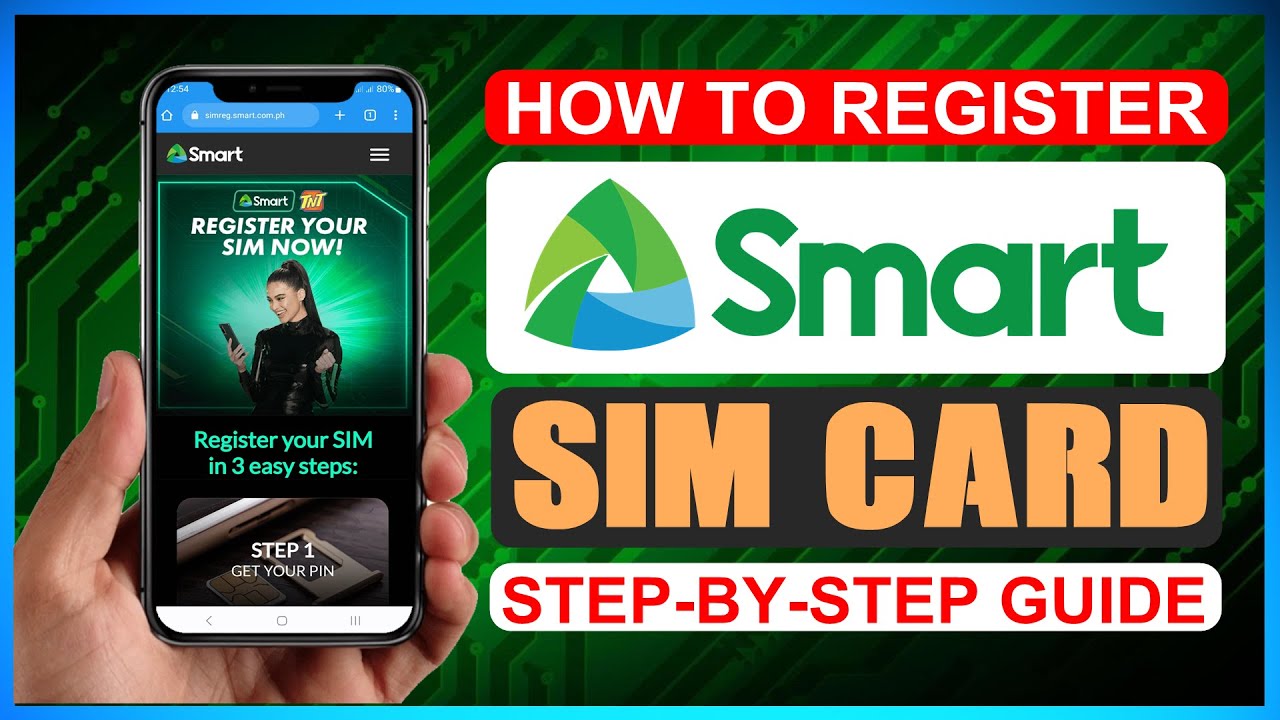
Foreign nationals are also required to complete the Smart SIM Registration Form.
Tourist Requirements
- Valid passport
- Proof of Philippine address (hotel booking)
- Return ticket (date & time of departure)
📌 Tourist SIM cards are valid for 30 days from activation.
Long-Stay Foreigners
- Passport
- ACR I-Card
- Proof of local address
- Work or study documents (if applicable)
Common Errors When Filling Smart SIM Registration Form
Avoid these frequent mistakes:
- Name mismatch between form and ID
- Blurry ID or selfie image
- Incorrect SIM serial number
- OTP timeout due to network delay
- Incomplete address details
Correct information ensures faster approval.
What Happens After Submission?
- Your details are reviewed by Smart
- Status may show “Under Verification”
- Final confirmation appears once approved
Once approved, your SIM remains fully active and compliant.
Benefits of Completing Smart SIM Registration
- Continued mobile service
- Access to Smart promos & rewards
- Eligibility for GigaLife loyalty points
- Legal compliance and data protection
Final Words
The Smart SIM Registration Form is a simple but critical requirement for all Smart users in the Philippines. Completing it correctly ensures uninterrupted service, legal compliance, and protection from mobile-related fraud.
Always register through the official Smart portal, double-check your details, and keep your control number safe for future reference.